
 3-Day Free Trial
Make copy-paste 10x faster.
Kopipe is a lightweight clipboard manager for macOS. Everything you copy is saved automatically. Press ⇧⌘V to find and paste instantly.
Auto-save your clipboard history
Text, images, files, URLs — everything you copy is saved automatically. Press ⇧⌘V to open the timeline, use arrow keys to browse, and hit Enter to paste. Keyboard-only workflow.
Search text inside images
Kopipe automatically extracts text from screenshots and photos using OCR, making them searchable. PDFs are searchable too. Find that screenshot with just a keyword.
Labels for instant filtering
Create custom labels with names and colors. Click a label to instantly filter your clips. Stay organized without any effort.
Instant paste from the keyboard
No need to even open the timeline. Press ⌘1-9 to paste your most recent clips, or ⌃⌘1-3 to paste pinned favorites (email, signature, address). Transferring data from Excel to web forms becomes dramatically faster.
And there is more
Pin favorites
Pin frequently used clips. They stay even after the retention period expires
Card size toggle
Switch between Compact and Large in settings for easier-to-read fonts and cards
Fixed Paste (⌃⌘1-3)
Save 3 favorite clips to fixed slots and paste instantly with ⌃⌘1-3
Delete guard
Label-tagged and fixed-slot clips show a confirmation dialog before deletion
Keyboard reorder
Move the selected clip one step at a time with ⌥← / ⌥→ inside labels or pinboards
Sensitive data protection
Automatically detects and skips credit card numbers and OTPs
Excluded apps
Exclude apps like password managers from clipboard tracking
Quick Look
Press Space to instantly preview images and files
Retention period
7 days to unlimited. Old history is cleaned up automatically
Plain text paste
Shift+Enter strips formatting before pasting
Custom shortcuts
Every keyboard shortcut is fully customizable
Menu bar app
Lives in the menu bar, not the Dock. There when you need it
9 languages
Japanese, English, Chinese, Korean, and 5 more languages
Backup & Restore
Export your entire history to a single file and import it back. Great for moving to a new Mac
How does it compare to Paste?
For those who only need a Mac and prefer to skip subscriptions.
Prices based on Japan App Store, as of April 2026.
Kopipe fits your workflow
Built for developers
Code snippets, error messages, terminal output. Quick Paste with ⌘1-9 shines in copy-heavy development workflows
Speed up subtitle work
Organize frequently used phrases with labels. Caption entry in DaVinci Resolve and Premiere Pro gets significantly faster
Smoother writing and translation
Quotes, reference URLs, boilerplate text — all instantly accessible from your history. Always findable with search
Semi-automate data entry
Use Quick Paste for Excel-to-web-form transfers. Name, address, phone number — paste them in sequence with ⌘1, ⌘2, ⌘3
Simple pricing
Free Trial
$0
3 days
- All features included (3 days)
- No credit card required
- After 3 days, only the last 24 hours of history are accessible
- Labels, search, and pinboards remain available
Kopipe Pro
$5.99
One-time purchase, no subscription
- Access to your full clipboard history
- Full-text search (including OCR and PDF)
- All future updates included
$5.99 one-time purchase. All future updates included. No subscription.
What users are saying
App Store rating: 4.4 / 5
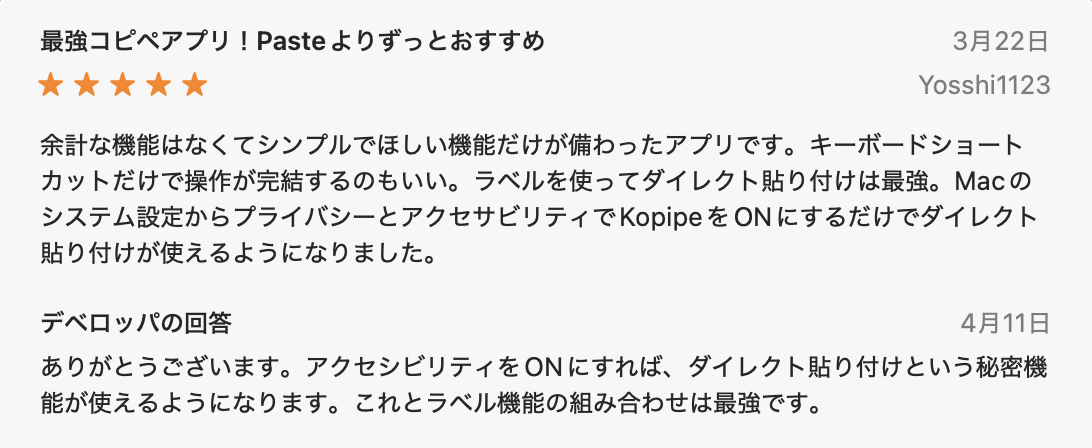
Best clipboard app! Way better than Paste
A simple app with just the features you need, nothing extra. Love that everything works with keyboard shortcuts alone. Labels + direct paste is unbeatable.
— Yosshi1123
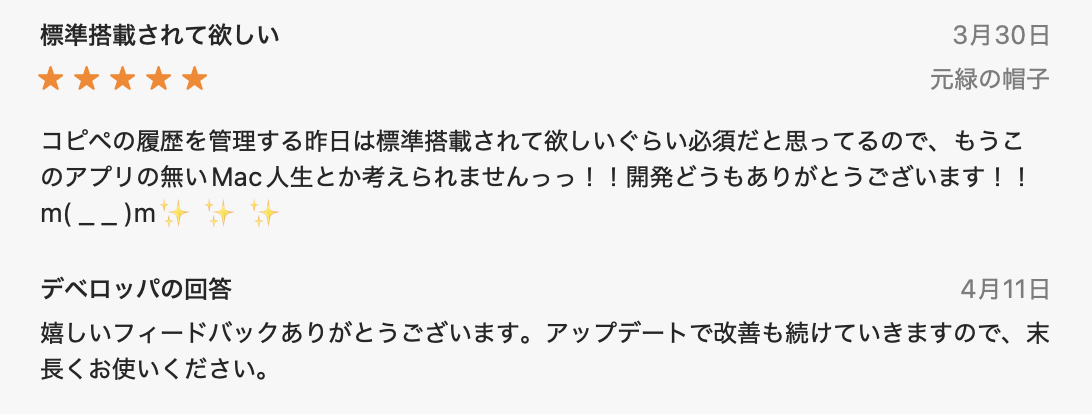
Should be built into macOS
Clipboard history management should be a built-in feature. I can't imagine using my Mac without this app anymore!
— 元緑の帽子
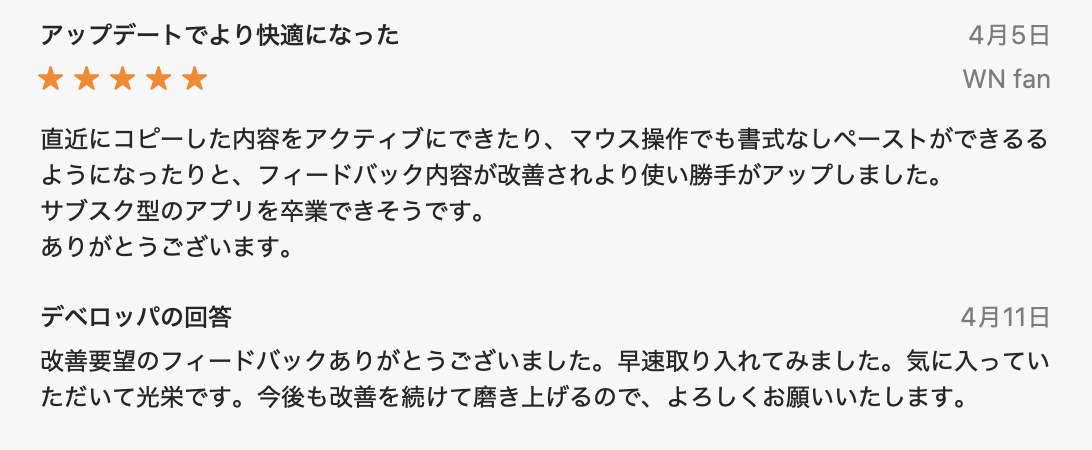
Even better after updates
Being able to activate recently copied content, plus plain-text paste via mouse — the developer actually listens to feedback and keeps improving.
— WN fan
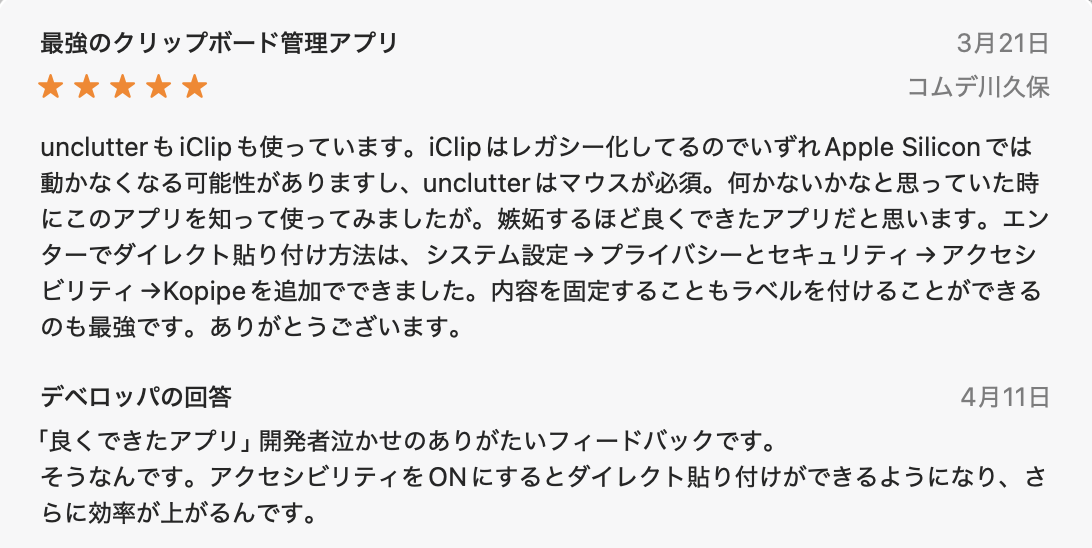
The best clipboard manager
I've used unclutter and iClip. iClip is going legacy, unclutter needs a mouse. This app is so well-made it makes me jealous.
— コムデ川久保
Free?!
I can't believe this app is free. Everyone should try it!
— Kobayan18
OCR text search and PDF support look super useful. Being able to search inside images really boosts usability. Space key preview is intuitive too.
— @SynabunAI
What's New
We actively incorporate user feedback. All updates are free with your one-time purchase.
- -Redesigned the Pro screen: shows your total saved clip count and how many are currently hidden
- -Tap the trial countdown badge anytime to see the price in your local currency
- -Switched review prompts to Apple's standard system and removed the custom banner that interrupted your workflow
- -Fixed an issue where some existing Pro users could appear as trial users after updating from v1.11
- -Backup & Restore: export your entire history to a single file and import it back, great for moving to a new Mac
- -Open the Quick Paste submenu directly from the menu bar icon
- -Refreshed the onboarding tutorial
- -Press Cmd+↑ to instantly jump to your most recent copy in the timeline
- -Refreshed the Fixed Paste tutorial and added an accessibility settings tip
- -Fixed window positioning and card size bugs for more stable day-to-day use
- -Delete guard: pressing Delete on label-tagged or fixed-slot clips now shows a confirmation dialog. Regular clips still delete instantly so your workflow stays fast
- -Keyboard reorder: press ⌥← / ⌥→ inside labels or pinboards to swap the selected clip one step at a time (disabled while searching)
- -Fixed Paste: pin frequently used clips like email or signature, then paste them anytime with ⌃⌘1-3
- -Card size setting: choose Compact or Large for easier-to-read fonts and cards
- -Quick Paste: instantly paste recent clips with ⌘1-9
- -Multi-monitor support: timeline appears on the screen with your cursor
- -Launch at login option
- -Revamped onboarding tutorial
- -OCR text search: find text inside screenshots and images
- -Search inside PDFs too
- -Preview images and files with the Space key
- -Search with multiple keywords (space-separated)
- -Faster search
- -Pro upgrade ($5.99 one-time) and 14-day free trial
v1.0February 2026
- -Initial release
Take it even further
Enable Direct Paste
With Accessibility permissions enabled, just select a clip and press Enter to paste instantly. No need to press ⌘V — one less step in every paste.
- 1Open macOS System Settings
- 2Go to Privacy & Security → Accessibility
- 3Add Kopipe and toggle it on
Frequently Asked Questions
Is it free?
Yes. The 3-day free trial includes all features. After the trial, basic features remain available, but accessing history older than 24 hours requires the Pro upgrade ($5.99 one-time).
Where is my data stored?
Only on your Mac's local storage. Nothing is ever sent to any server. Kopipe works without an internet connection.
Will it save copies from my password manager?
You can exclude specific apps. Kopipe also automatically detects and skips credit card numbers and OTP codes, so sensitive data is filtered out by default.
Does it work on iPhone or iPad?
No. Kopipe is macOS only.
Can I move my data to a new Mac?
Yes. Export your entire history to a single file from Settings, then import it on your new Mac (v1.11 or later). Duplicate clips are skipped automatically.
Is it a subscription?
No. It is a one-time purchase of $5.99. No monthly or annual fees. All future updates are included.
For detailed instructions, check out the official user guide.
View the User Guide